Getting Started with Choro
Welcome! Get up and running with Choro in minutes.
Step 1: Log In to Your Account
Start by logging into Choro with your preferred method.
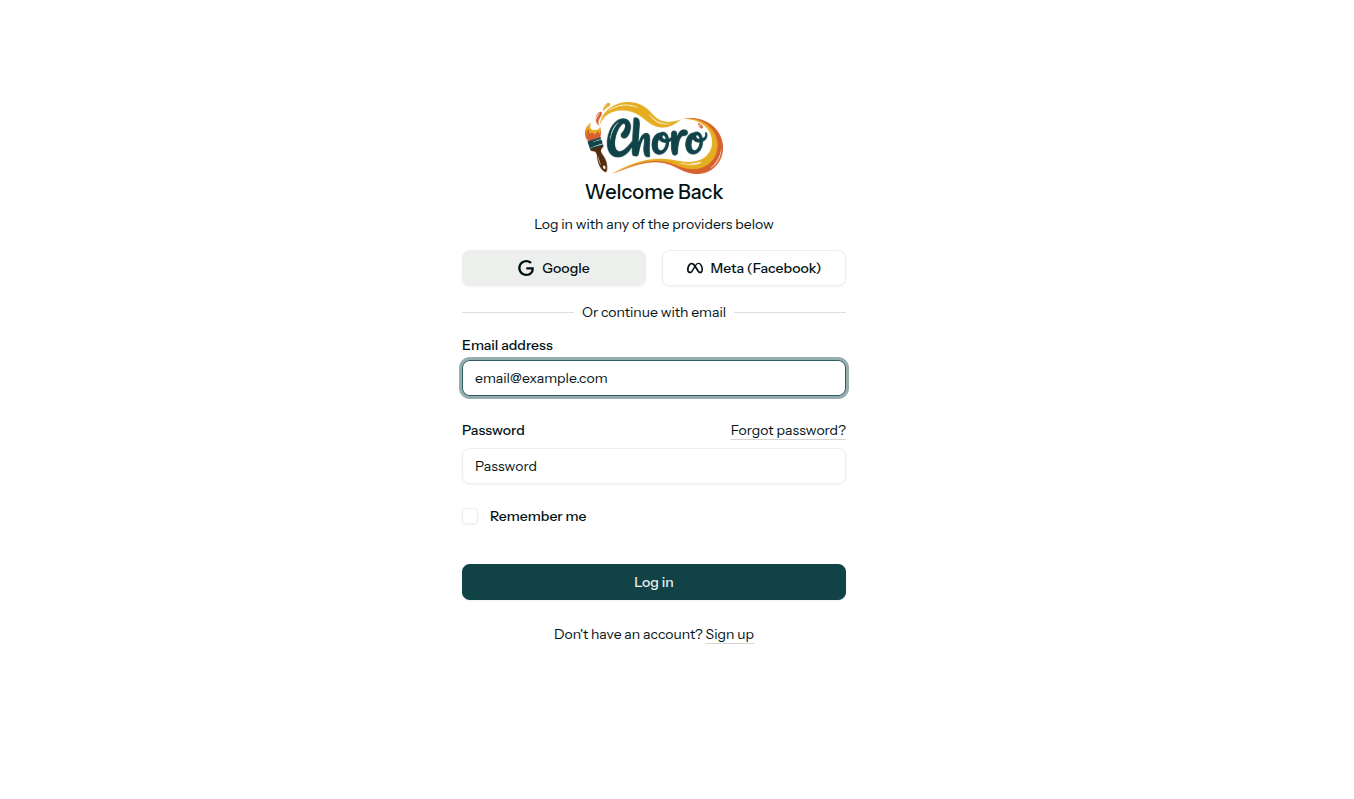
Sign In Options:
- Google - Use your Google account
- Meta (Facebook) - Sign in with Facebook
- Email - Use your email and password
New user? Click Sign up to create your account.
Step 2: Create a New Design
Click New Chat to start creating your design.
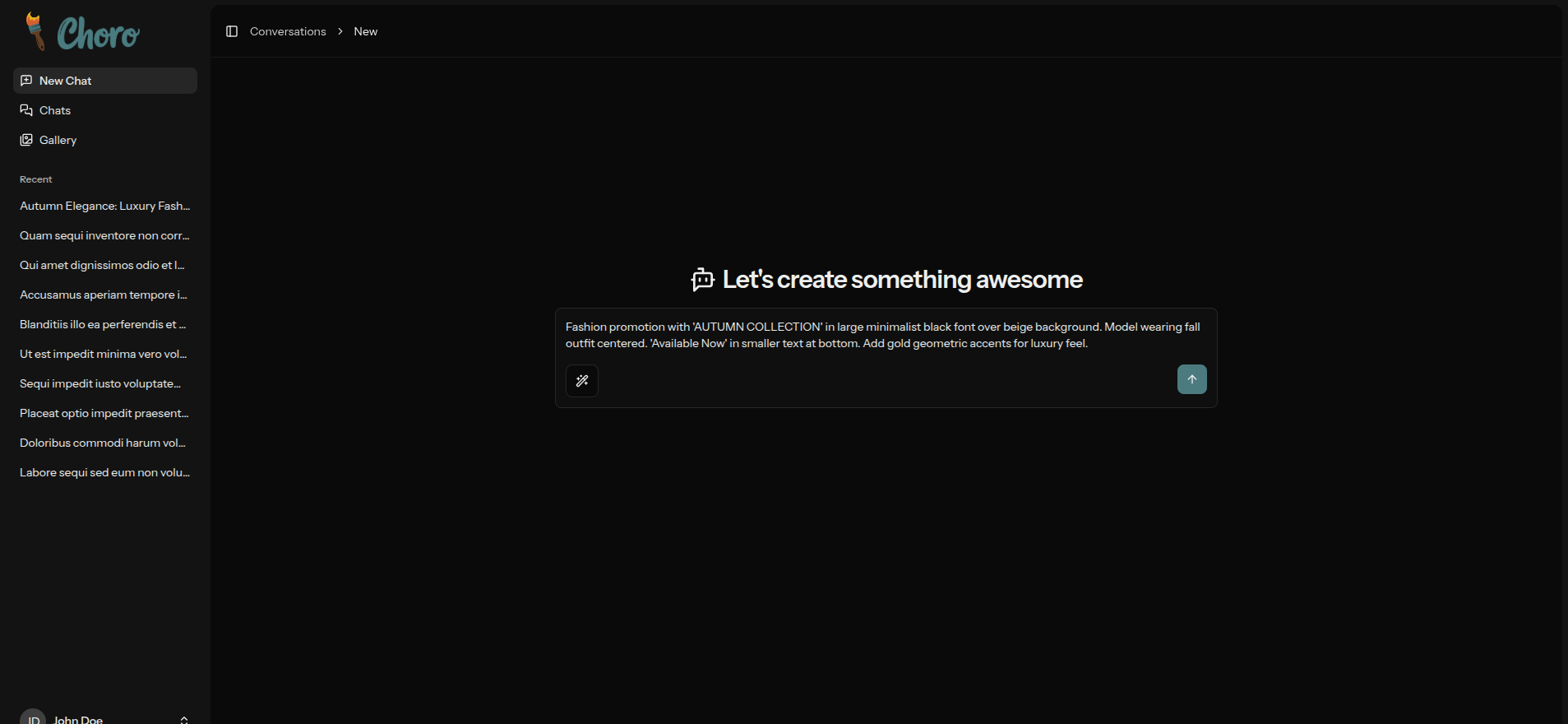
Describe Your Design
In the prompt box, describe what you want to create. Be as detailed as possible:
Example prompt:
Fashion promotion with 'AUTUMN COLLECTION' in large minimalist black font over beige background. Model wearing fall outfit centered. 'Available Now' in smaller text at bottom. Add gold geometric accents for luxury feel.
Tips for better results:
- Be specific about colors, style, and layout
- Mention text you want included
- Describe the mood or feeling
- Add details about positioning
Click the ↑ arrow or press Enter to generate.
Step 3: Generation in Progress
Choro's AI is creating your design. This typically takes just a few seconds.
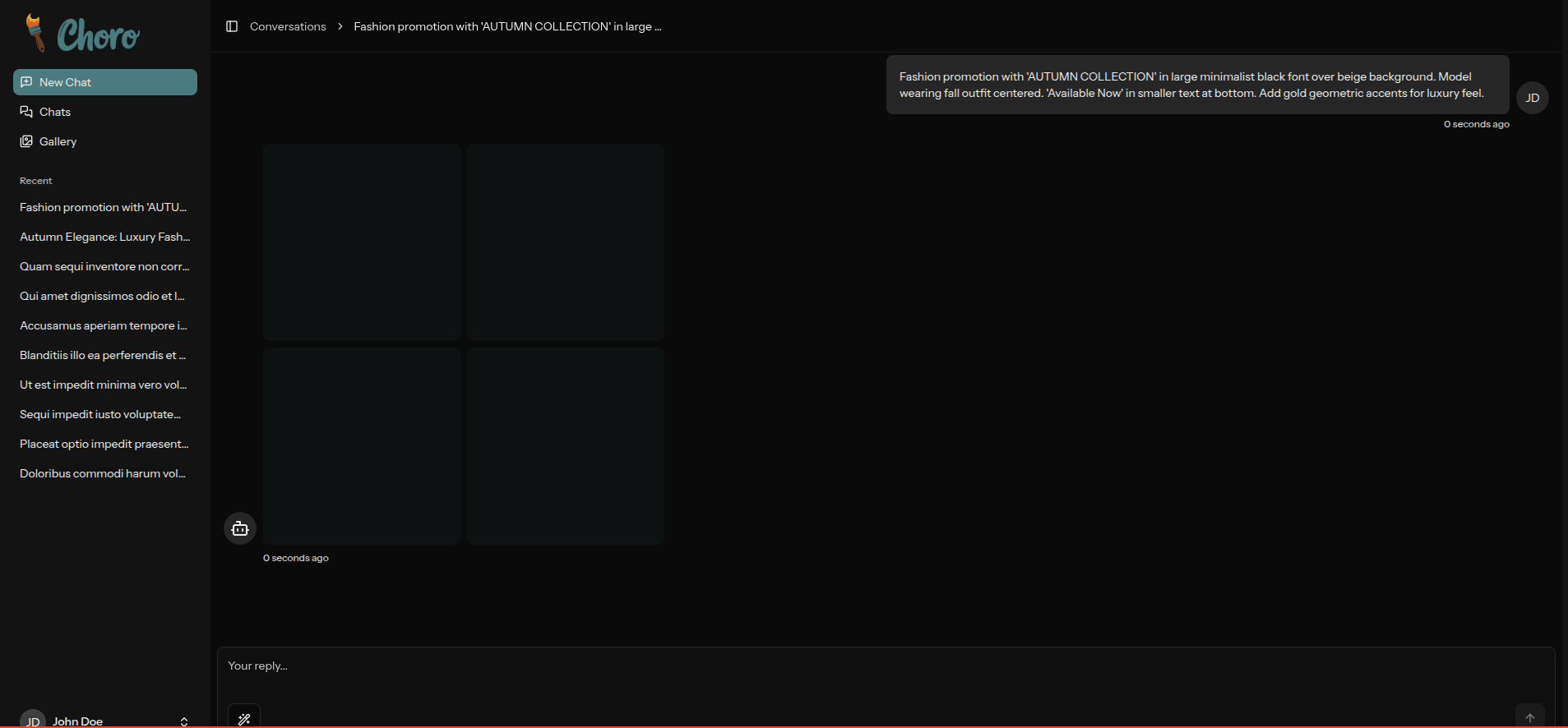
Average generation time: 10-20 seconds
Step 4: Review Your Results
Your designs are ready! Choro generates multiple variations for you to choose from.
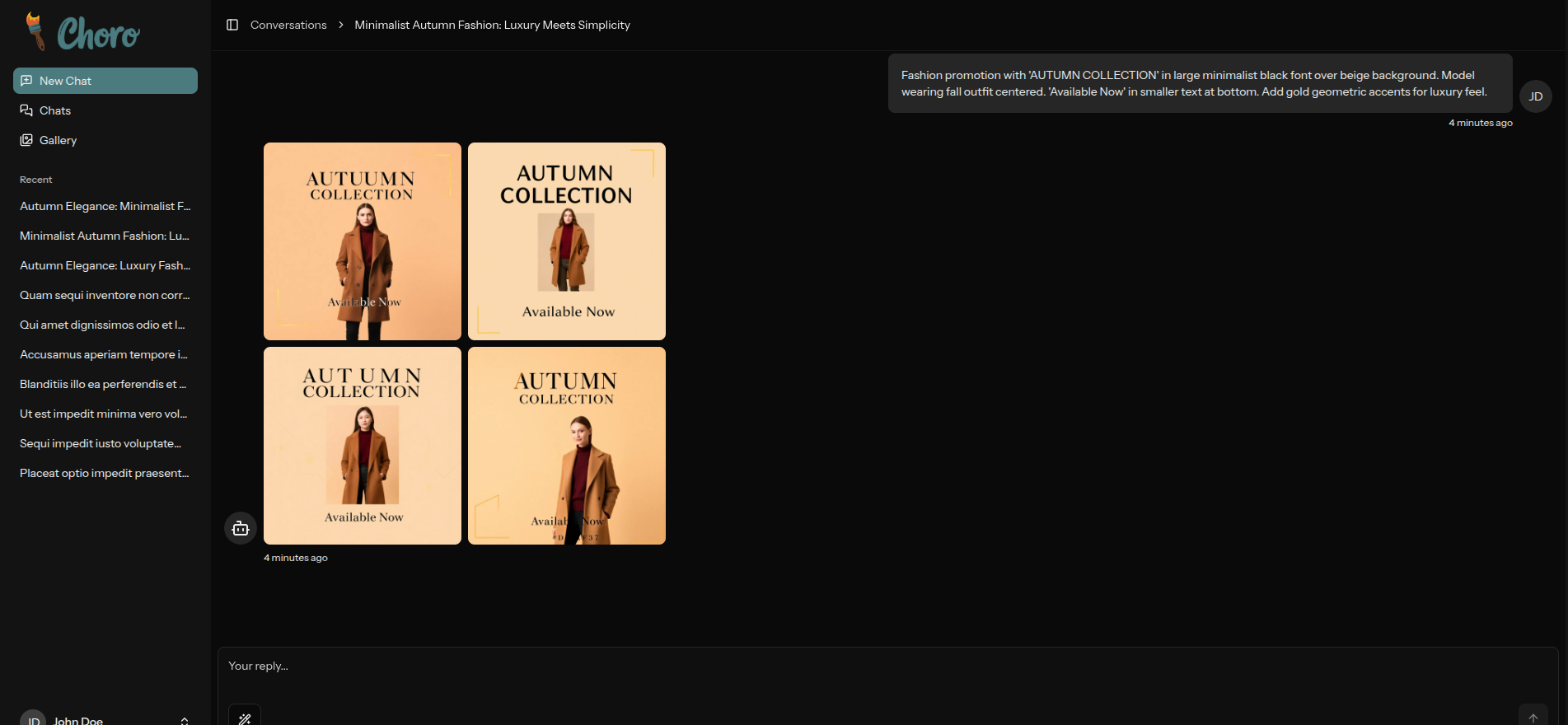
What You Can Do:
- Preview - View each design in full resolution
- Download - Save your favorites
- Regenerate - Try different variations
- Refine - Adjust your prompt and try again
Multiple Variations
Choro creates 4 different variations of your design, giving you options to choose the perfect one for your needs.
Quick Tips
Write Better Prompts
- Be specific: "Minimalist tech logo" vs "Logo"
- Include details: Colors, fonts, style, mood
- Mention text: If you want specific words included
- Describe layout: Where elements should be positioned
Generation Speed
- Simple designs: 3-5 seconds
- Complex designs: 5-10 seconds
- Multiple variations: Generated simultaneously
Save Your Work
All generated designs are automatically saved to your conversation history. Access them anytime from the sidebar.
What's Next?
Now that you've created your first design:
- Explore the Gallery - Get inspiration from example designs
- Check Plans - See Payment Plans for your usage limits
- Learn More - Visit About Choro to learn about the platform